
Operations
Move-in to move-out, scored, photographed and comparable
Templated checklists with scored items and photo evidence. When the tenant leaves, compare the move-out against the move-in side by side — and make deposit decisions that hold up.
Inspections screen with a checklist
public/images/inspections.png · 3480×2120
How it works
From zero to running
- 1
Build the template once
Rooms, items, what “good” means. Clone and adapt per property. Every inspection after that starts from the same standard.
- 2
Inspect on site
Walk the unit, score each item, photograph what matters. Findings that need fixing convert straight into maintenance requests.
- 3
Review and publish
A second pair of eyes reviews, then the report publishes to the record — and to the tenant, when you choose.
- 4
Compare at move-out
The move-out pairs against the move-in baseline, deltas surface themselves, and the deposit decision cites the evidence.
Deposit decisions that survive an argument
The most expensive conversation in property is the deposit refund. RentPlus pairs move-in and move-out inspections item by item, shows exactly what changed, and records the decision with photos attached — turning an argument into a document.
- Side-by-side move-in / move-out comparison
- Item-level deltas with photo evidence
- Deposit assessments linked to findings
- Decisions recorded and exportable
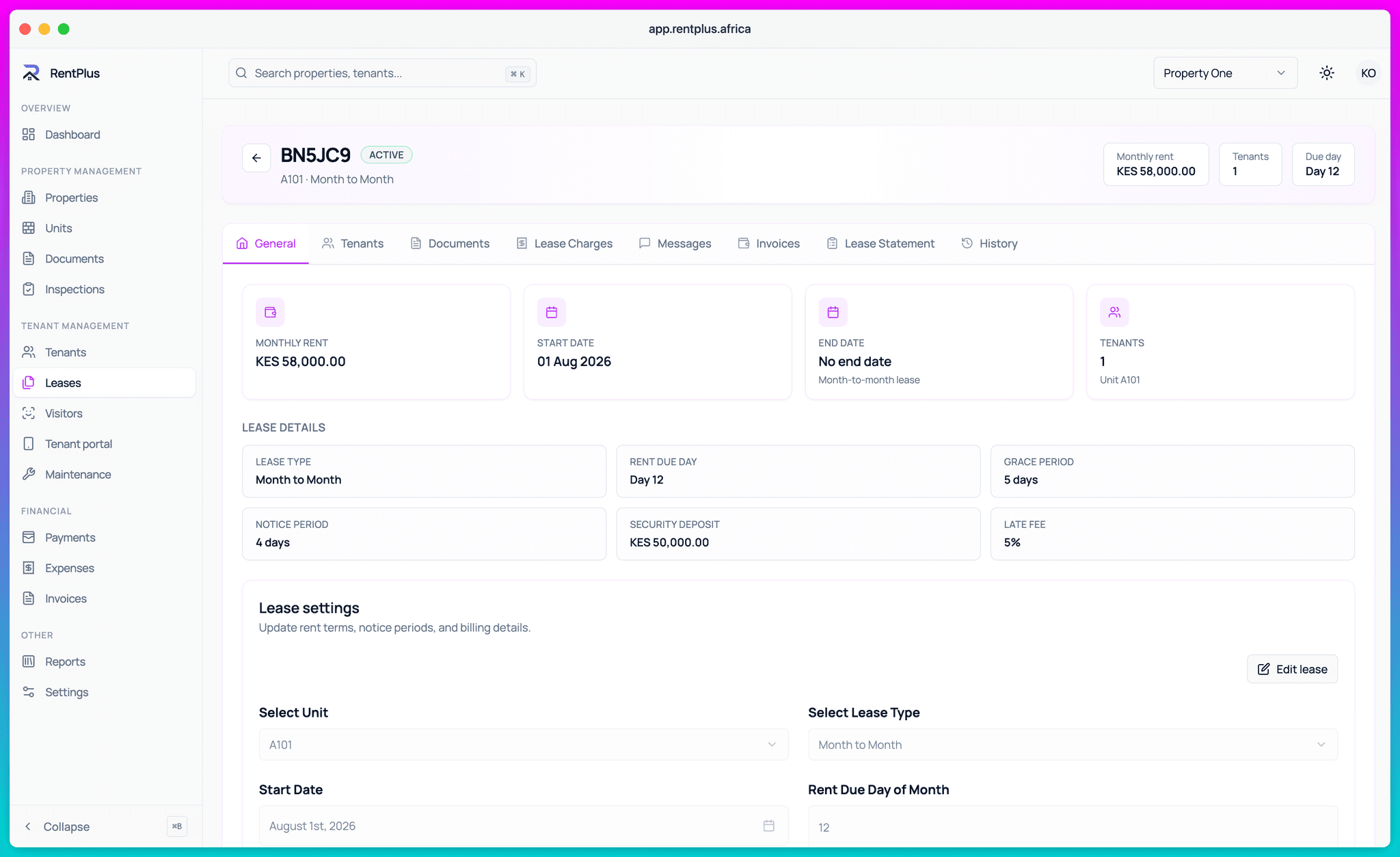
Findings become work, not notes
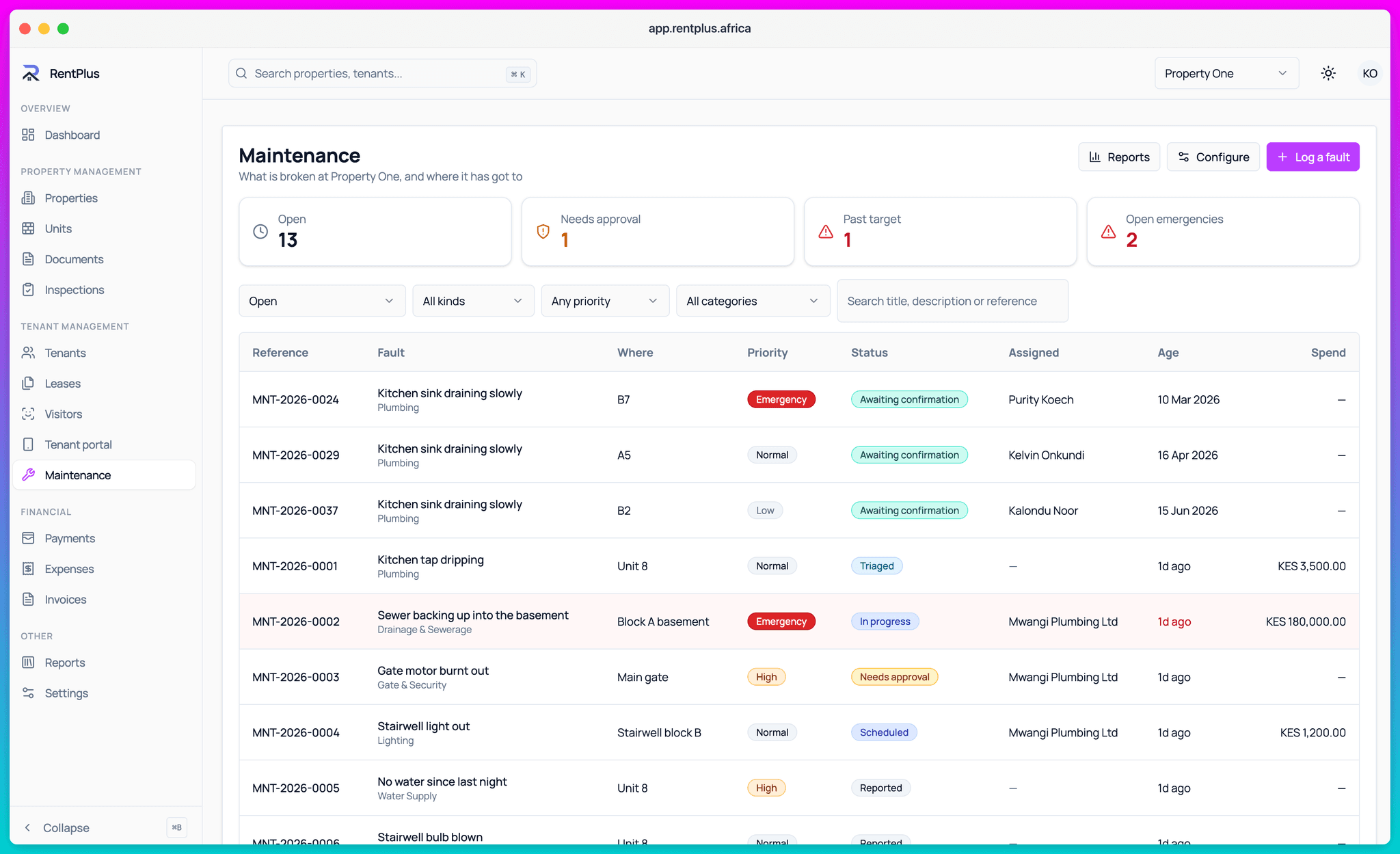
An inspection that finds a broken hinge and files it in a drawer changed nothing. In RentPlus, any finding converts to a maintenance request in one tap — with the photo, the unit and the context already attached.
- One-tap conversion of findings to maintenance
- Completion, condition-by-unit and findings-funnel reports
- Reopen and re-review workflows when things change
Everything included
What Inspections covers
- Reusable inspection templates with sections and items
- Scored items with photo evidence
- Scheduling and assignment
- Review, publish and reopen workflows
- Move-in / move-out baseline pairing and comparison
- Deposit decisions linked to findings
- Findings converted to maintenance requests
- Condition and completion reports
Questions
Common questions
How does RentPlus help with deposit disputes?
Can I standardise inspections across my properties?
What happens to problems found during an inspection?
Ready to run your properties properly?
Start free, set up in an afternoon, and let the invoices send themselves.