
Money
Books that balance, because they cannot do otherwise
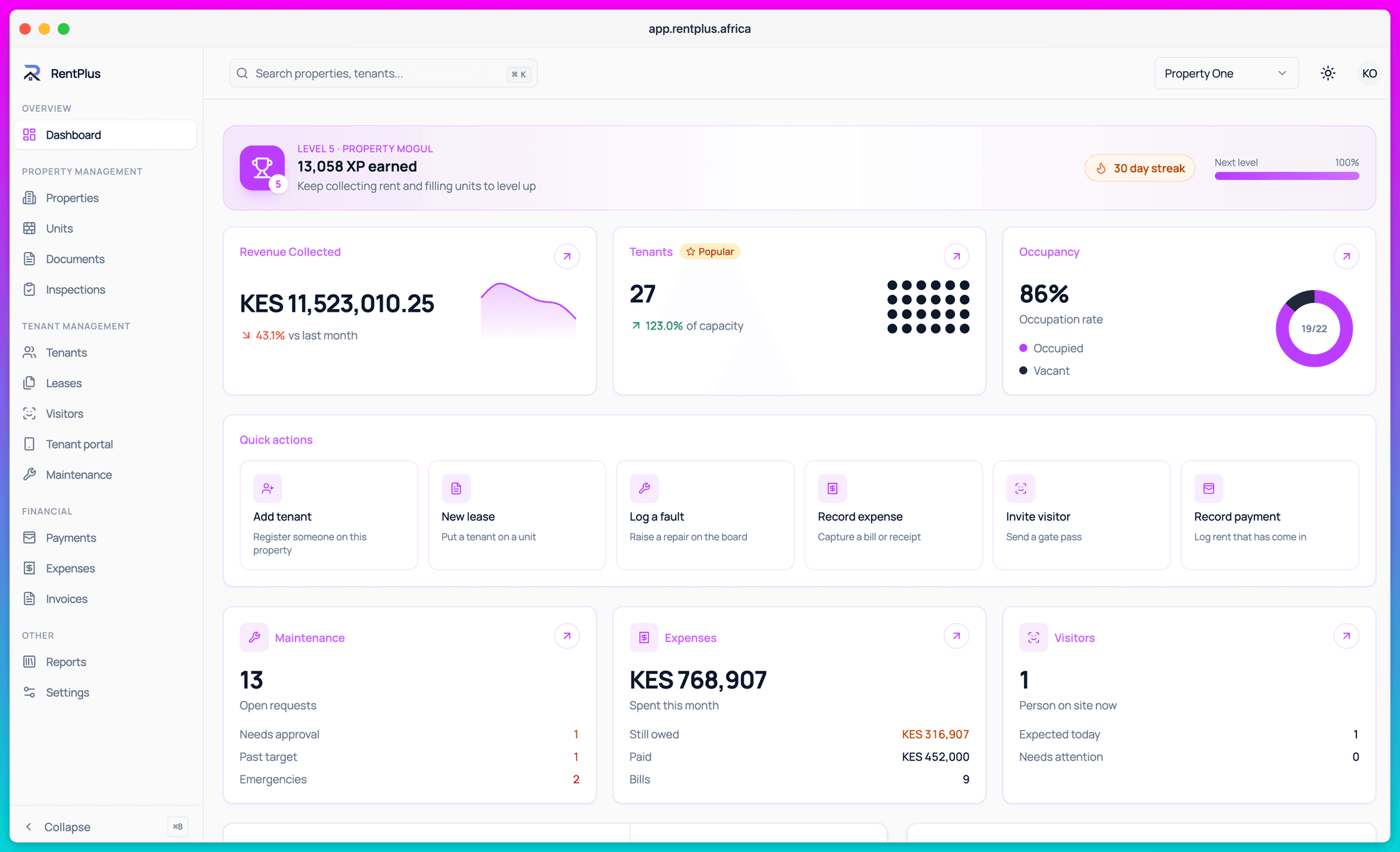
Every charge, payment, credit note, write-off and expense lands on an append-only ledger. Balances are computed, never typed — so the P&L, the rent roll and the statement always agree.
How it works
From zero to running
- 1
Transactions post to a ledger
Money in and money out are double-entry transactions on an append-only ledger — nothing is ever silently edited or deleted.
- 2
Reports compute from it
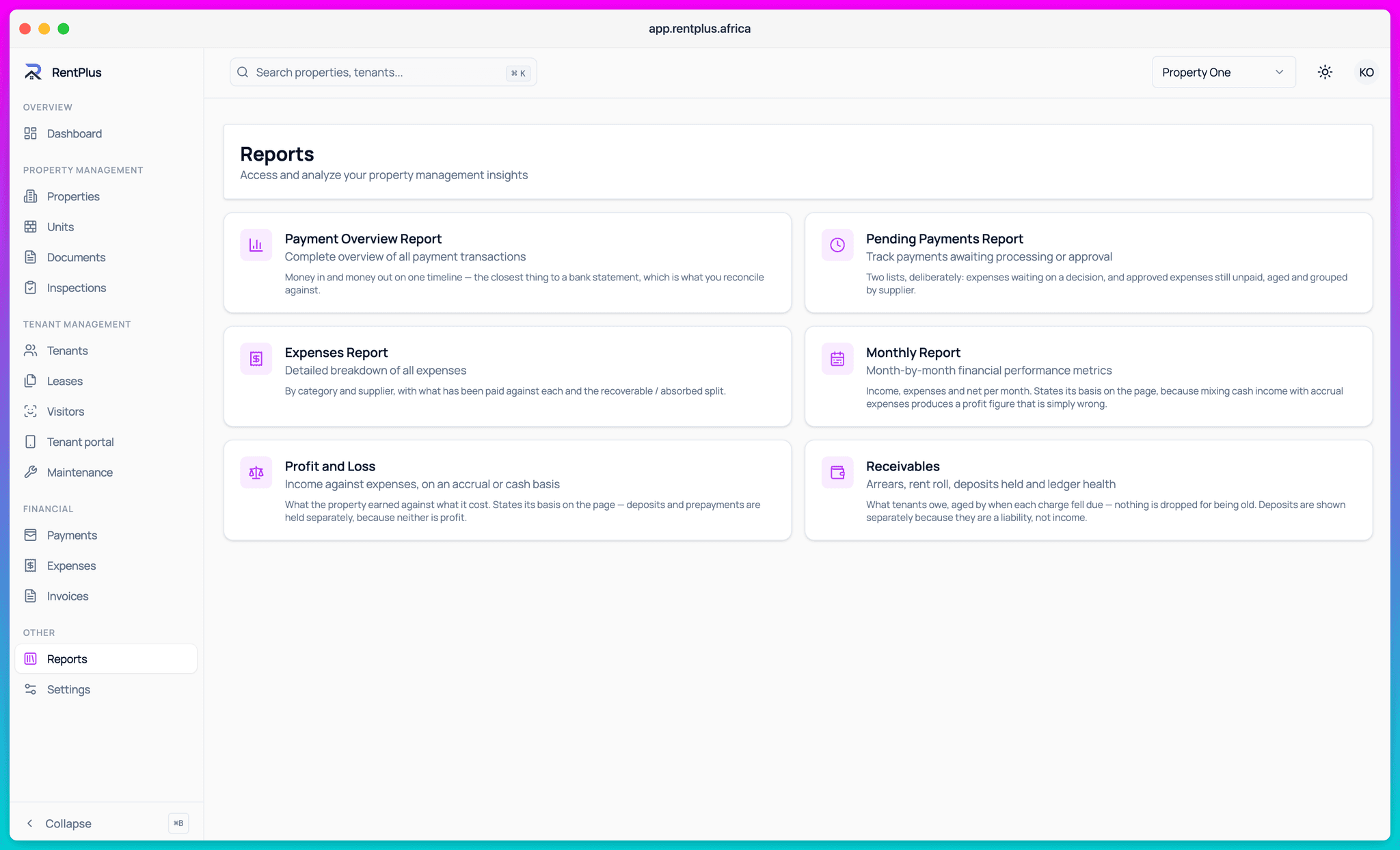
P&L, rent roll, receivables aging, deposit liabilities — every report is a live sum over the ledger, not a maintained spreadsheet.
- 3
You export what you need
General ledger to CSV for your accountant, P&L to PDF for an owner, statements per lease for a dispute. One click each.
Reports owners actually accept
When you manage for owners, the report is the product. RentPlus produces per-property profit and loss, rent roll and arrears from the same ledger the payments landed on — so the numbers survive scrutiny.
- Profit & loss per property or portfolio, exportable
- Rent roll: who pays what, who owes what, since when
- Receivables aging with drill-down to the lease
- Revenue and collection-rate trends
Deposits, held honestly
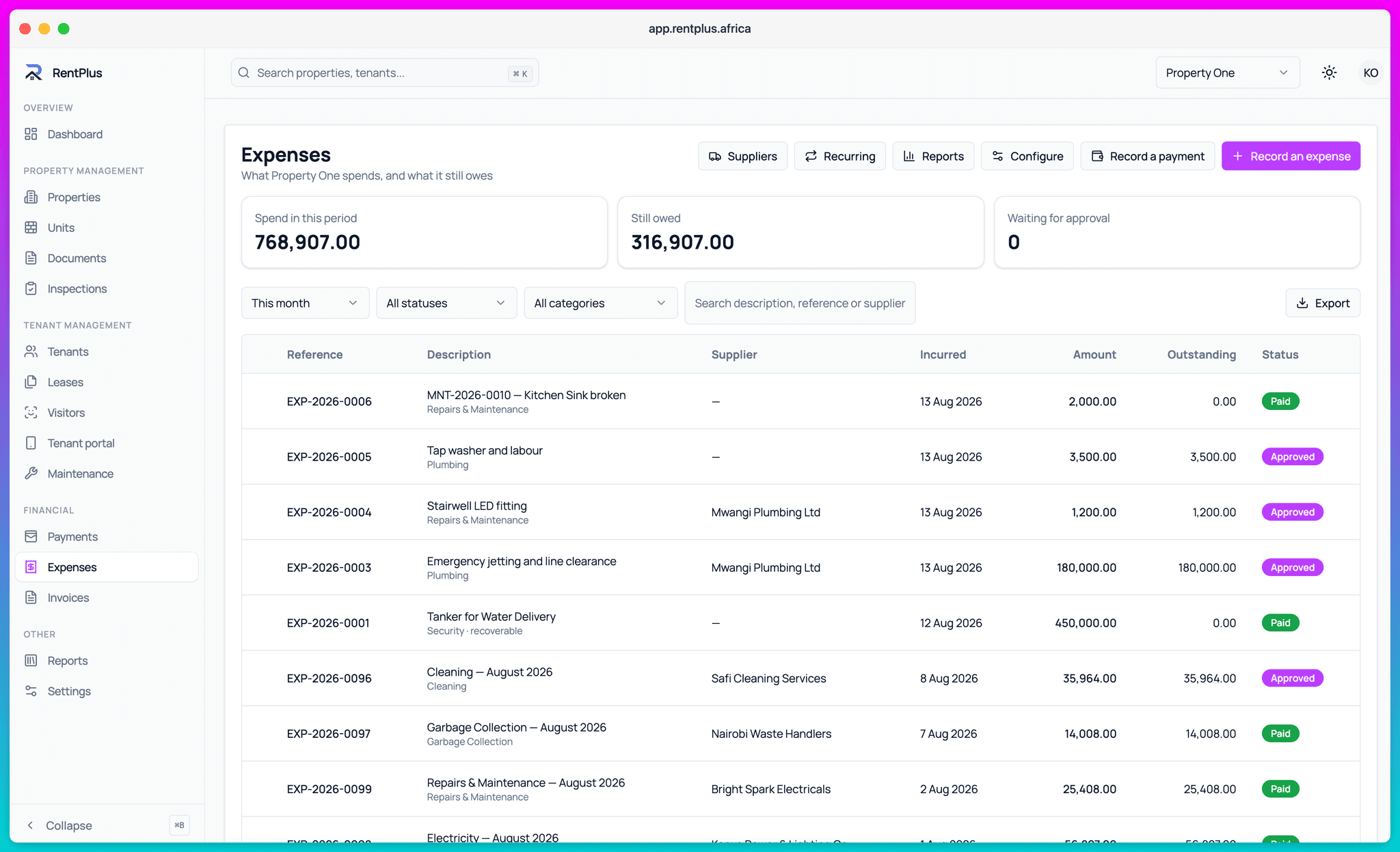
Security deposits are liabilities, not income — RentPlus books them that way. At move-out, deductions flow from the inspection to the deposit assessment, and the balance owed back is explicit.
- Deposit balances tracked separately from revenue
- Move-out deductions linked to inspection findings
- Deposit statements a tenant can verify
Everything included
What Accounting & Reports covers
- Append-only double-entry ledger
- Profit & loss per property and portfolio (CSV/PDF)
- Rent roll and receivables aging
- General ledger export to CSV
- Deposit liability tracking and assessments
- Lease statements and audit views
- Revenue reports and collection rates
- Automated ledger invariant checks every night
Questions
Common questions
Can my accountant use RentPlus?
Why do RentPlus reports always balance?
How are security deposits handled?
Ready to run your properties properly?
Start free, set up in an afternoon, and let the invoices send themselves.